Sorting Locations in NMR Local
Objective
This SOP outlines the steps to sort locations in NMR Local and how those changes will reflect on the front end of the site.
Key Steps
Step 1: Navigate to Locations 0:11
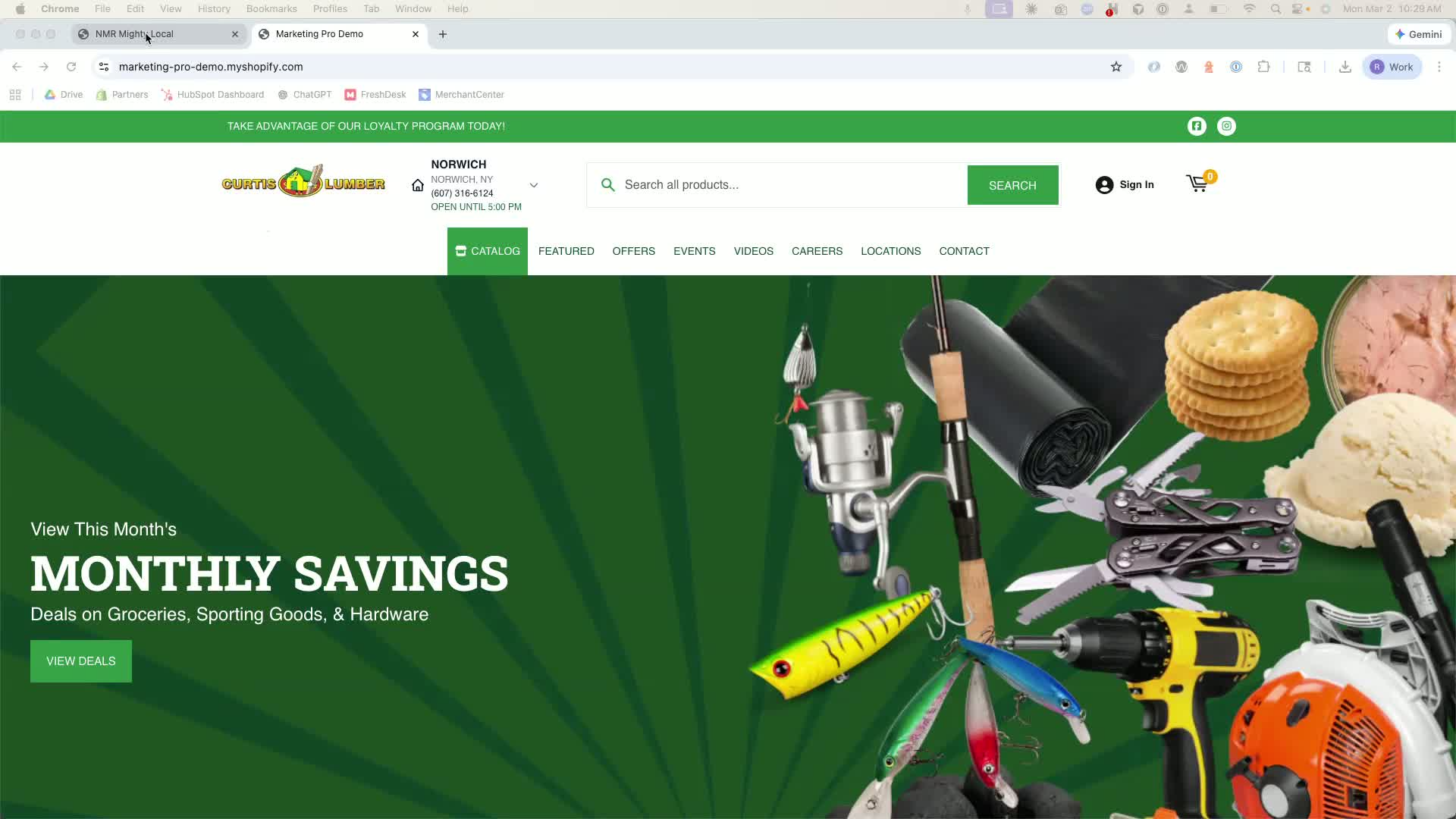
From your dashboard, go to Content.
Click on Locations.
Step 2: Sort Locations 0:21
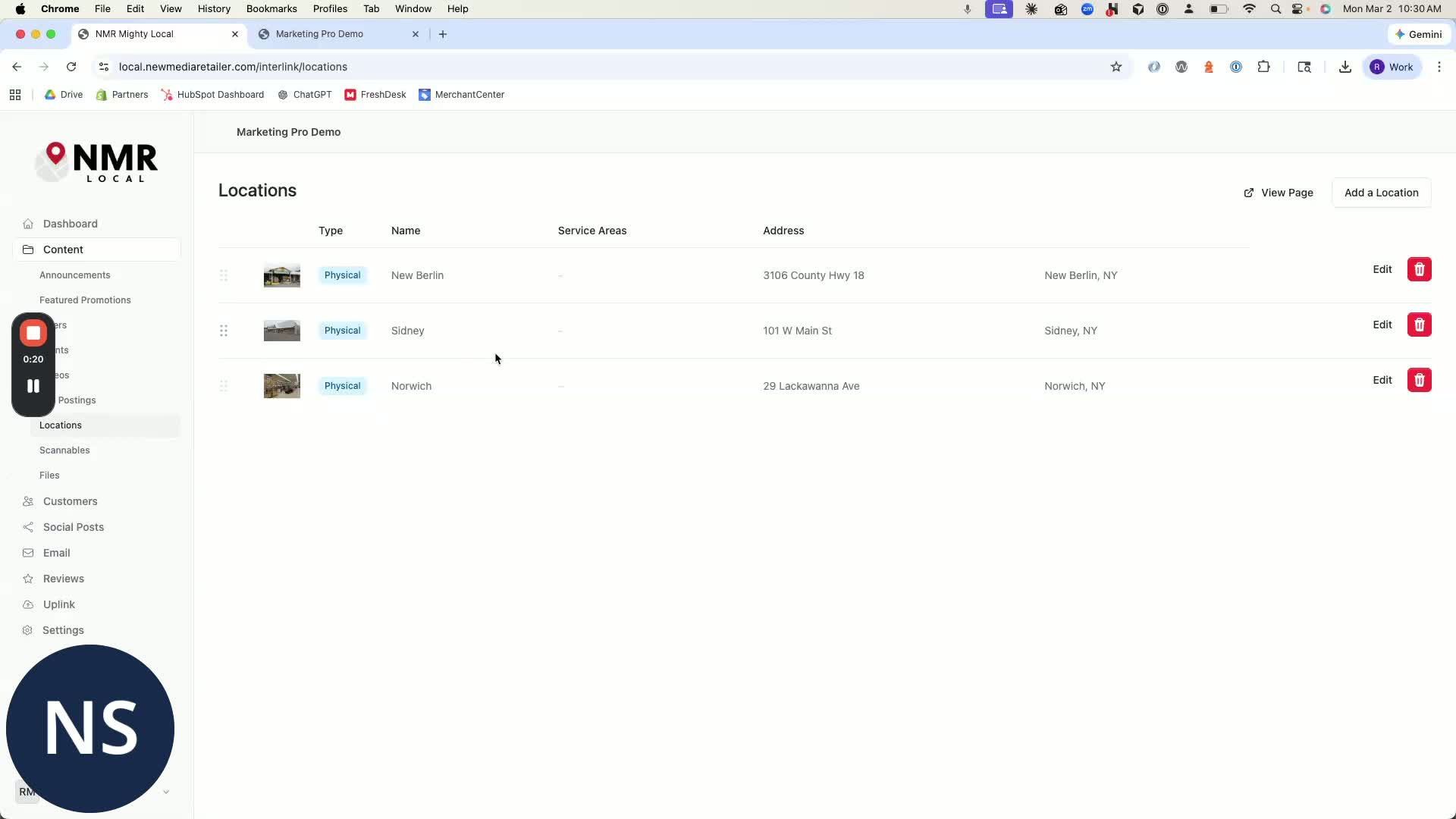
Drag and drop the locations to arrange them in your desired order.
Example: Move Norwich to the top and New Berlin to the bottom.
Step 3: Verify Changes on Front End 0:48
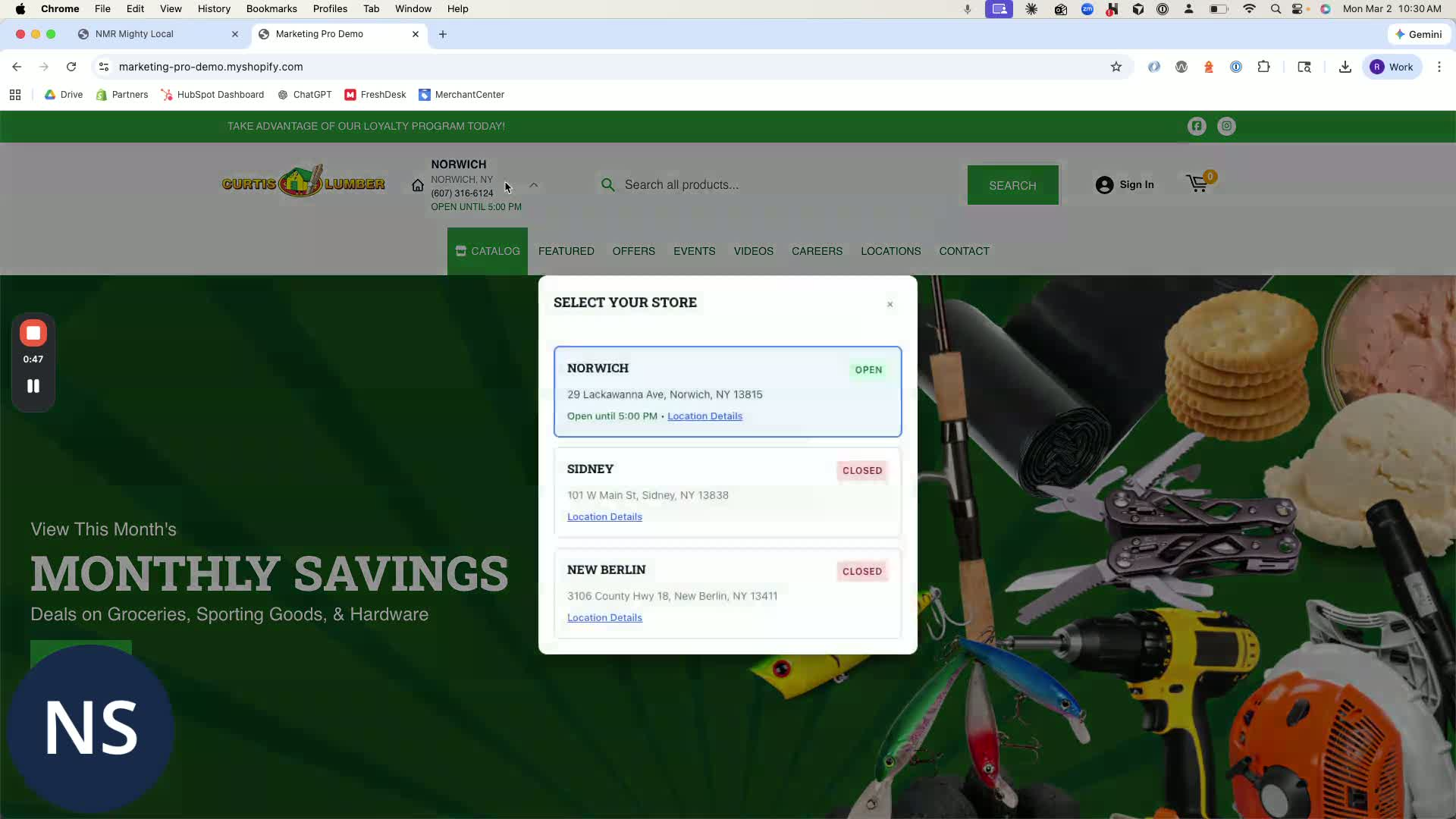
Perform a hard refresh on the site to see the updated order.
Confirm that the locations are displayed as follows:
Norwich
Sydney
New Berlin
Check the footer and the location page to ensure consistency.
Cautionary Notes
Ensure you have the necessary permissions to make changes in NMR Local.
Double-check the order before refreshing the site to avoid confusion.
Tips for Efficiency
Familiarize yourself with the drag-and-drop feature to speed up the sorting process.
Regularly check the front end after making changes to ensure everything is displaying correctly.
Link to Loom
Was this article helpful?
That’s Great!
Thank you for your feedback
Sorry! We couldn't be helpful
Thank you for your feedback
Feedback sent
We appreciate your effort and will try to fix the article